Description
Online verification for certificates you already issue
V-2 is a certificate verification system for WordPress, built for schools, training institutes and course providers that already prepare their own certificates. Manage student records and give recipients a way to verify certificates on your website.
Student certificate verification features
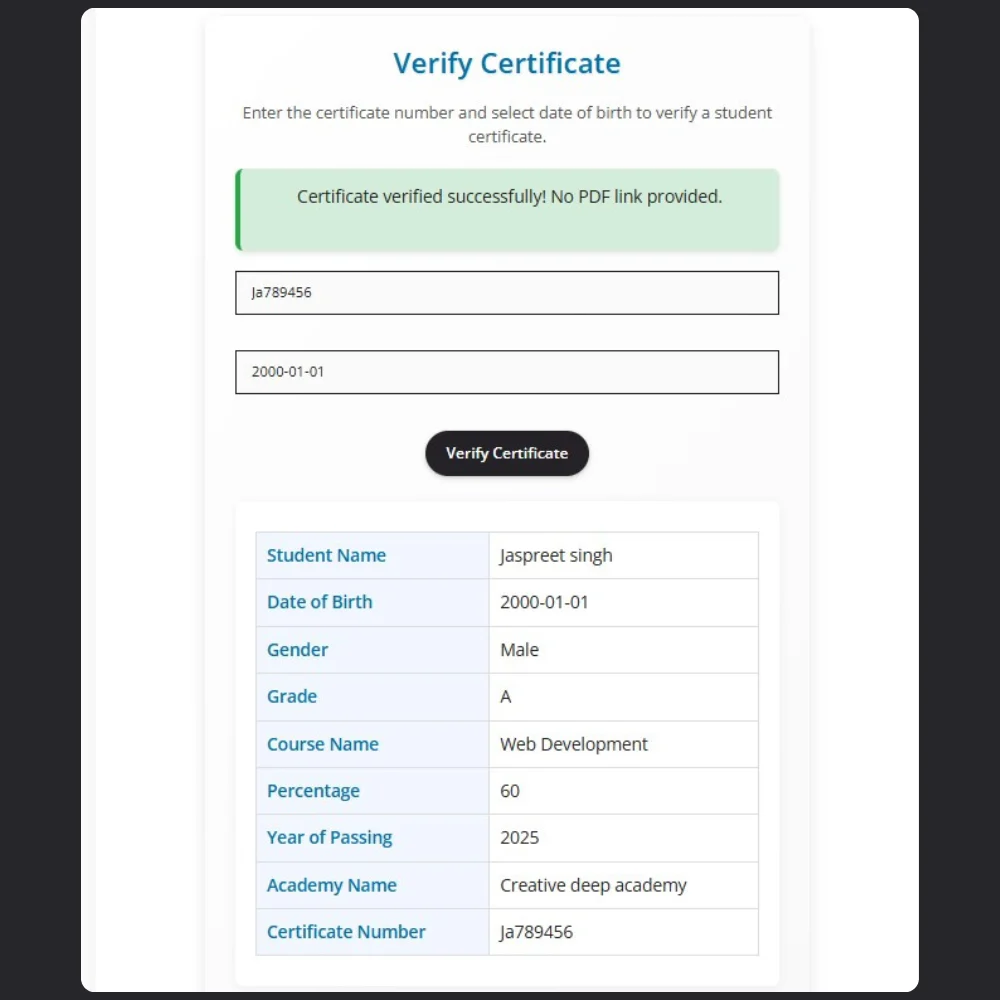
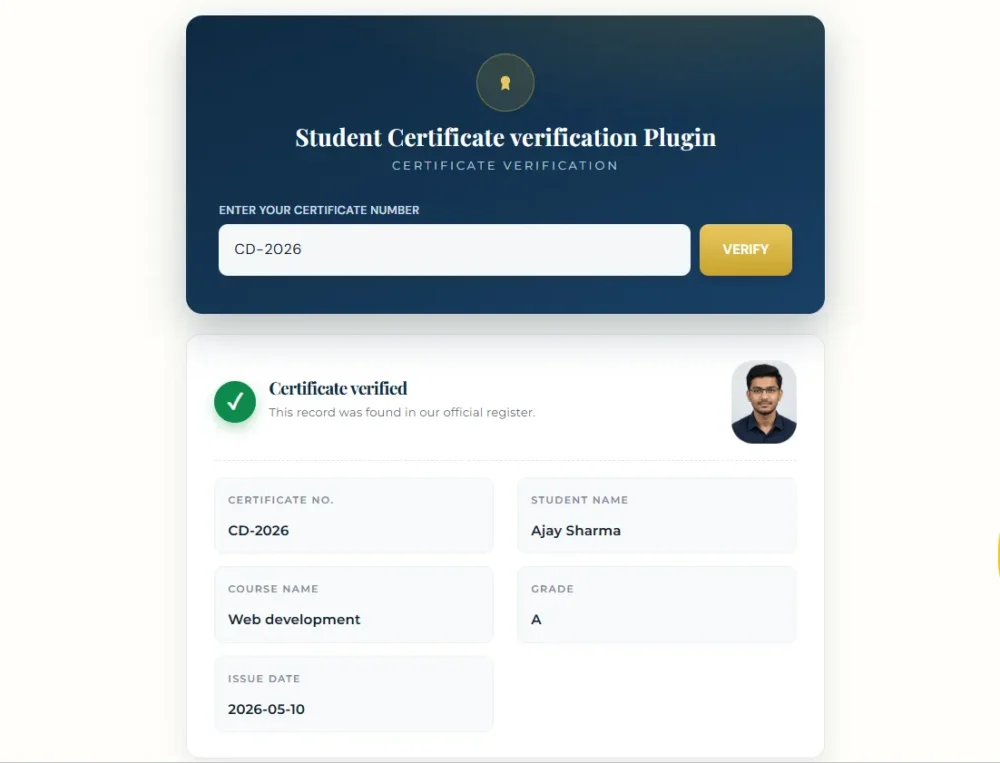
- Certificate lookup: check student records using a unique certificate number.
- Existing certificate files: attach your designed certificates from the WordPress media library so students can download them during verification.
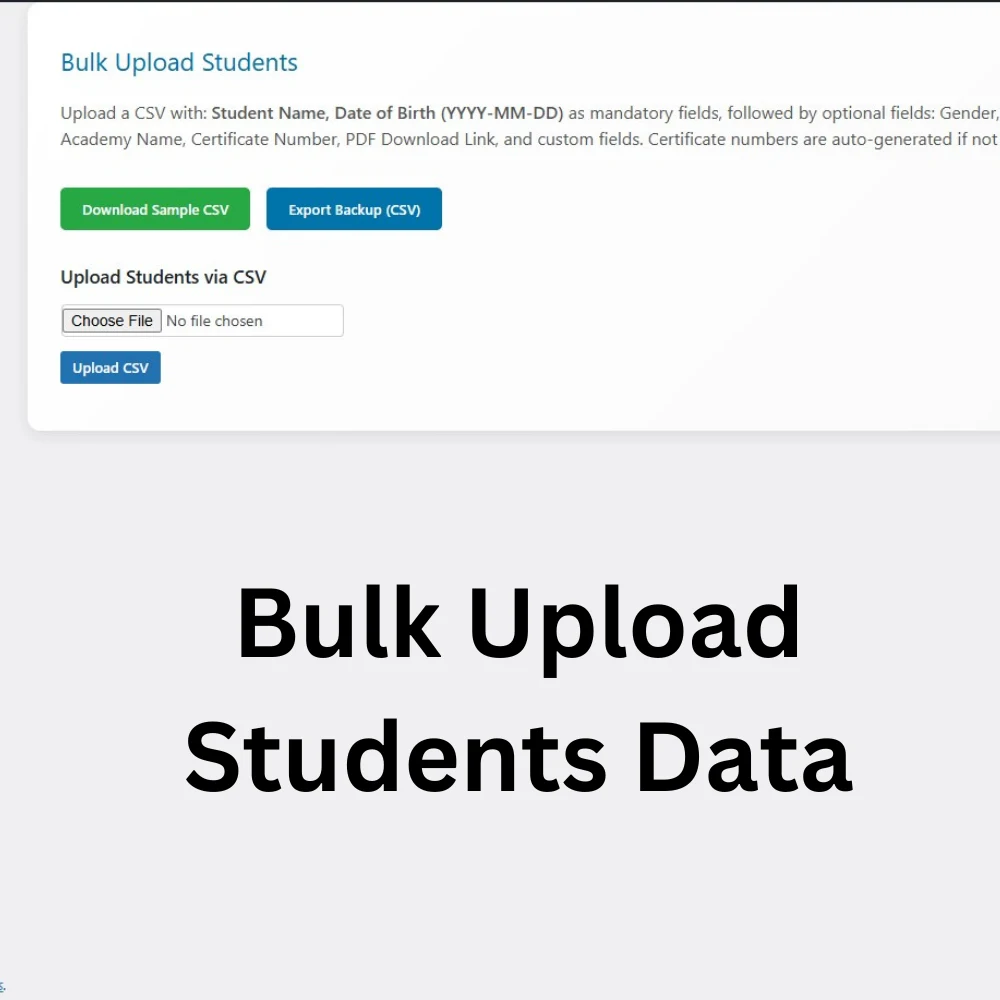
- Bulk CSV import: add a batch of student records in one upload.
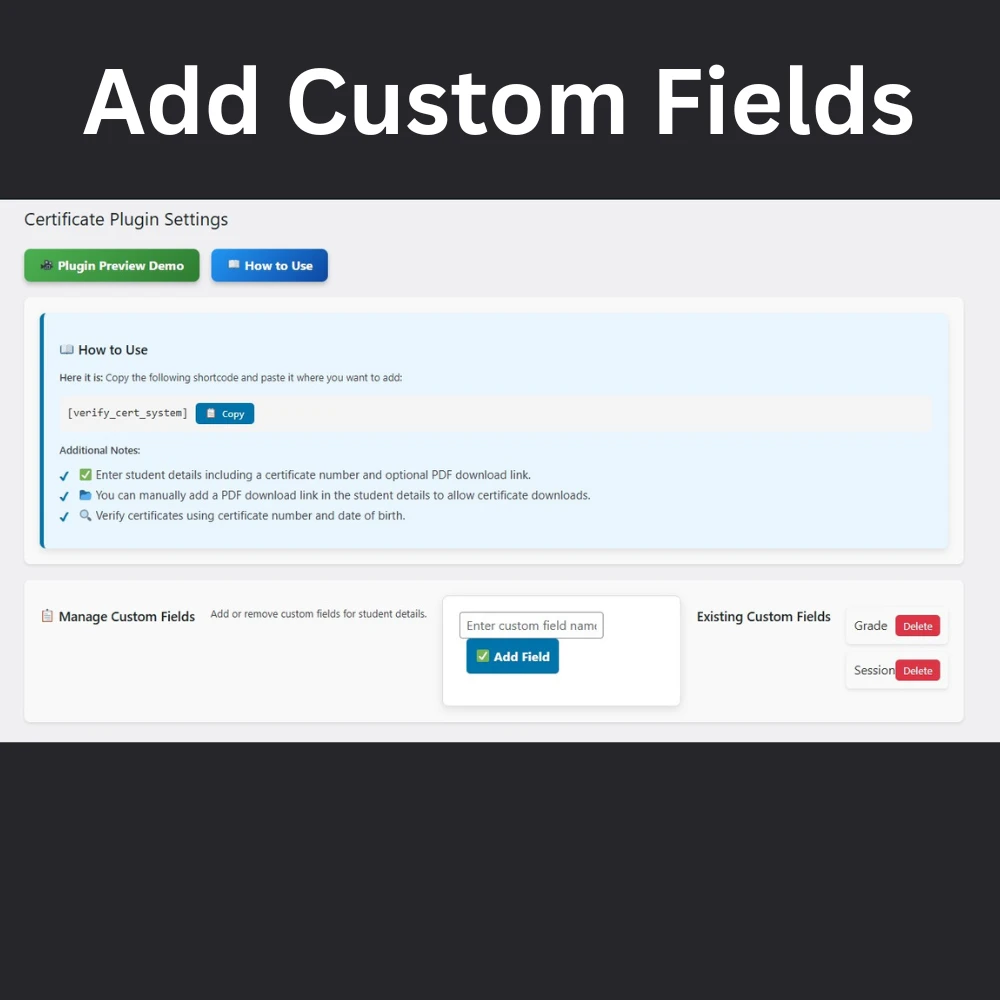
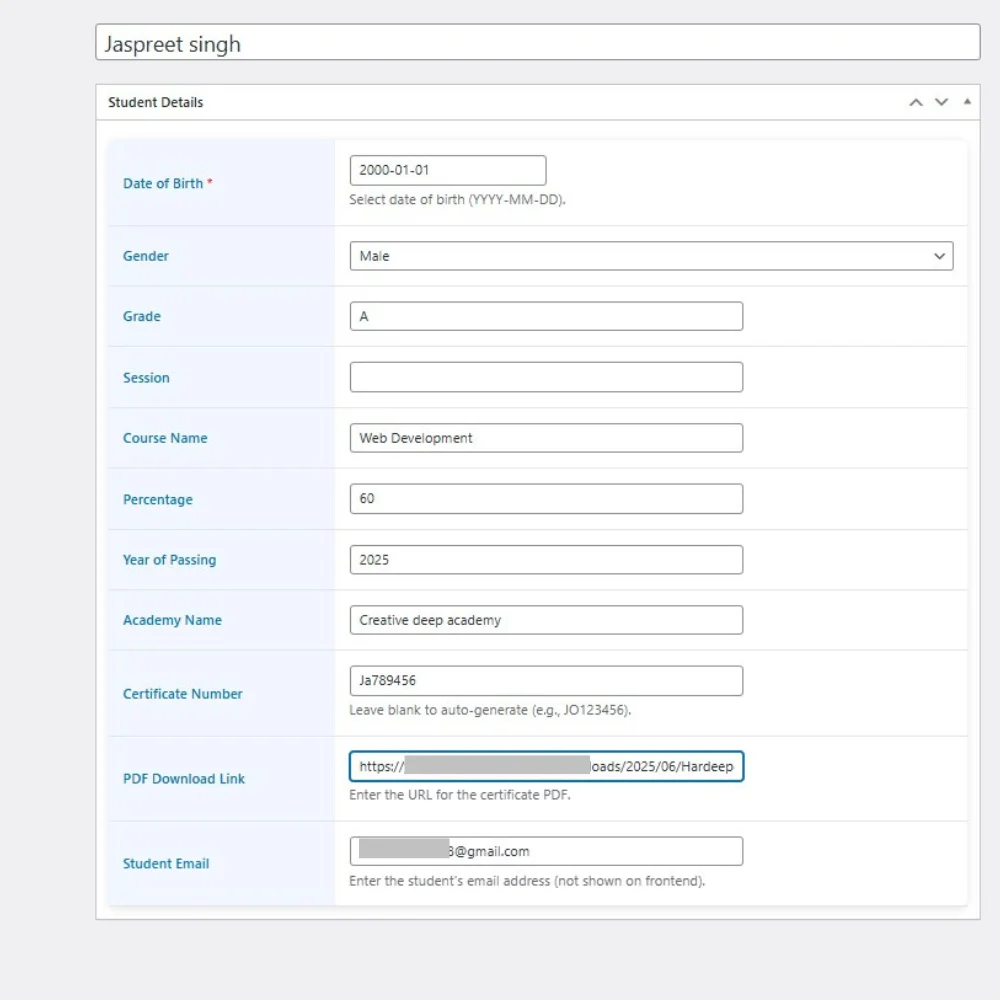
- Custom fields: add, rename, reorder or remove fields for your institute. Only populated fields appear in verification results.
- Verification form: add the plugin’s shortcode to a public WordPress page.
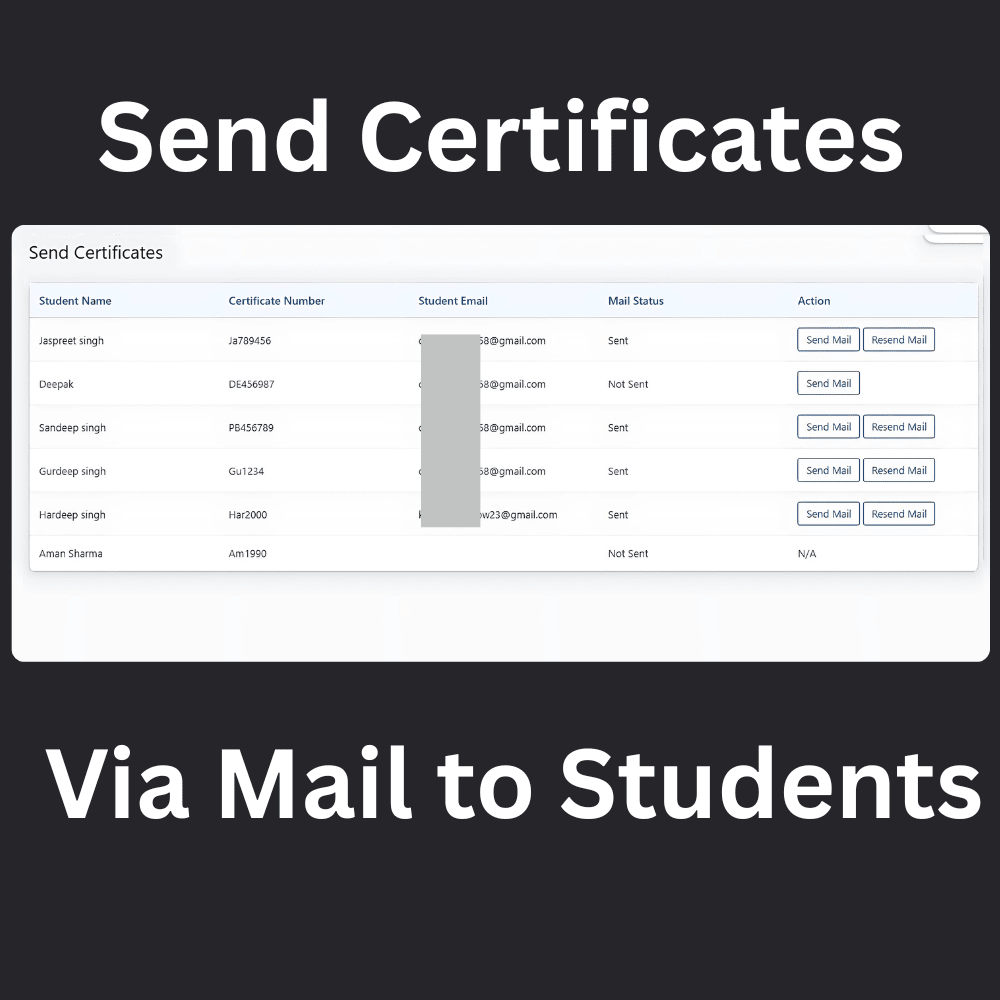
- Email delivery: send certificates and certificate numbers to students from the dashboard.
- Details-only verification: leave the certificate attachment empty when you only need to verify student details.
- Student records: generate certificate numbers and export student lists.
Does V-2 generate certificate PDFs?
V-2 verifies records and lets you attach certificates you have already created. For certificate design and automatic generation, choose the WordPress certificate generator and verifier (V-1).
How to add student verification to WordPress
- Download the purchased plugin ZIP file.
- In WordPress, open Plugins, choose Add Plugin and upload the ZIP.
- Install and activate the plugin, then add student records manually or import a CSV.
- Attach existing certificates and add the verification shortcode supplied by the plugin to a page.
- Test the page with a sample record before sharing it with students.
Installation note: Use only one certificate plugin version at a time. Back up your website and records before replacing or uninstalling an existing version.
Choose the right certificate plugin
Compare the workflows on our V-1 and V-2 comparison page, explore the plugin demos, or read customer reviews. V-2 includes lifetime access with a one-time payment.
Hitesh –
bro you are solved my biggest problem thankyou bhai
Akshay singla –
I was looking for exactly this plugin, so helpful thank you so much
Breny MD –
Plugin is working Smoothly fast , one question can i rename the fields in V2 plugin please reply
Habeeb Abdul Khader –
it is amazing Plugin which i never expect the way its smoothly working with wordpress websites